
Everything in one archive
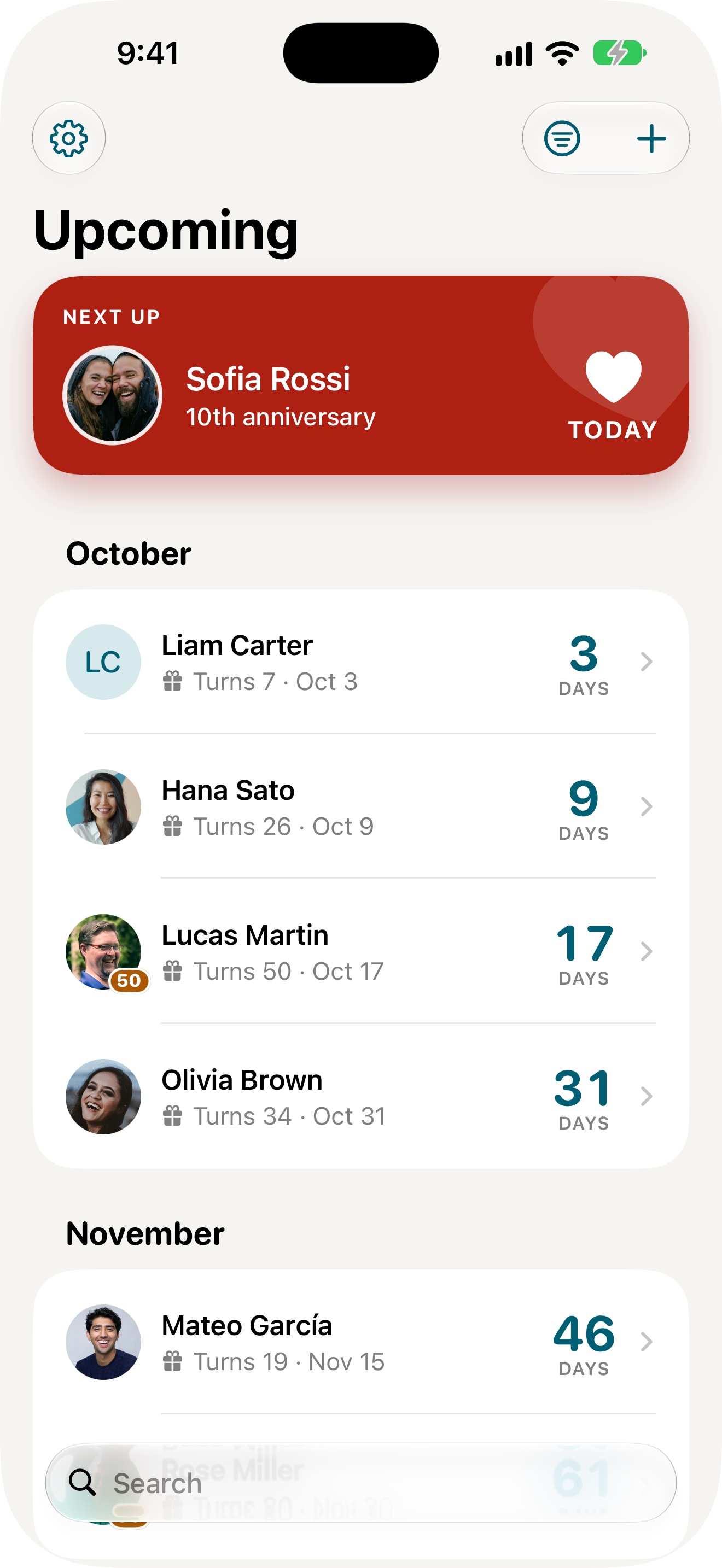
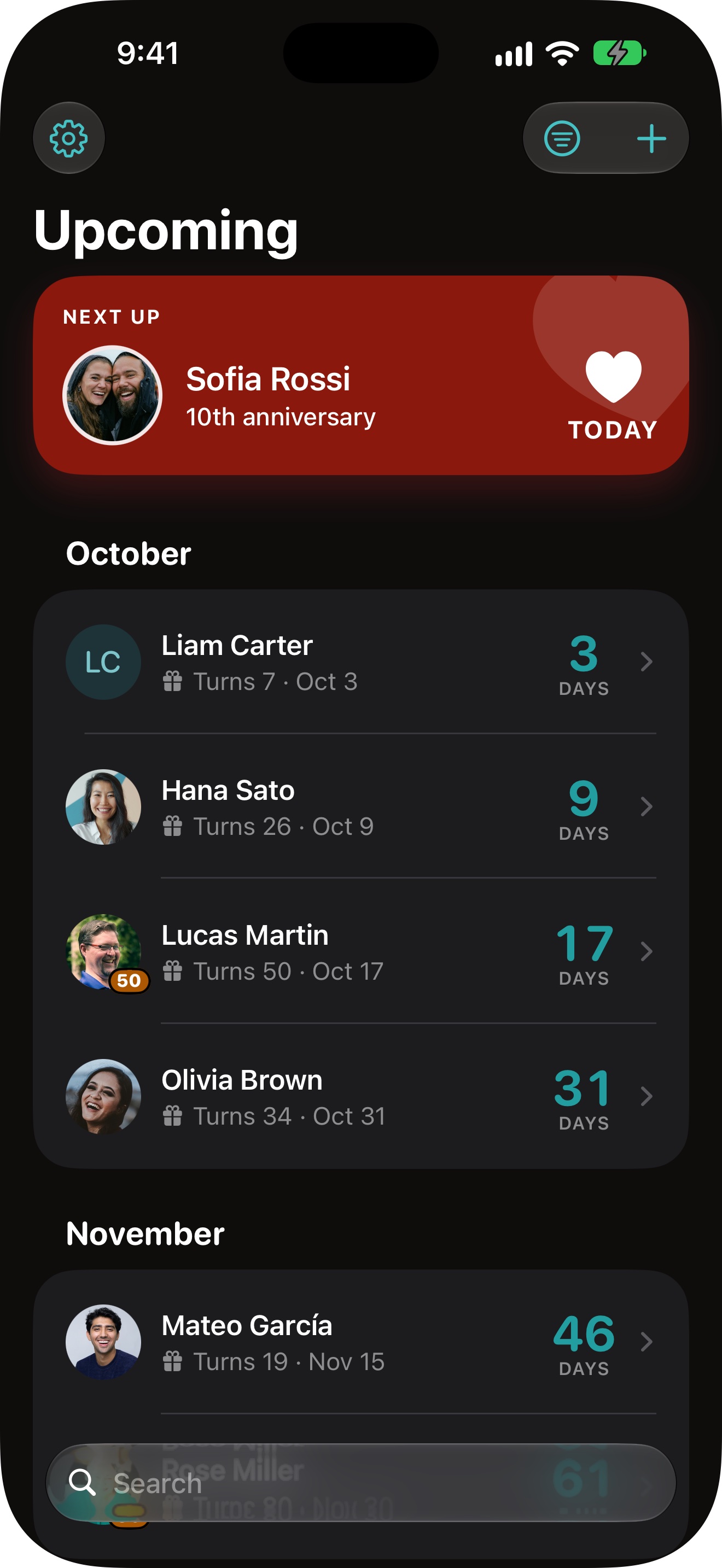
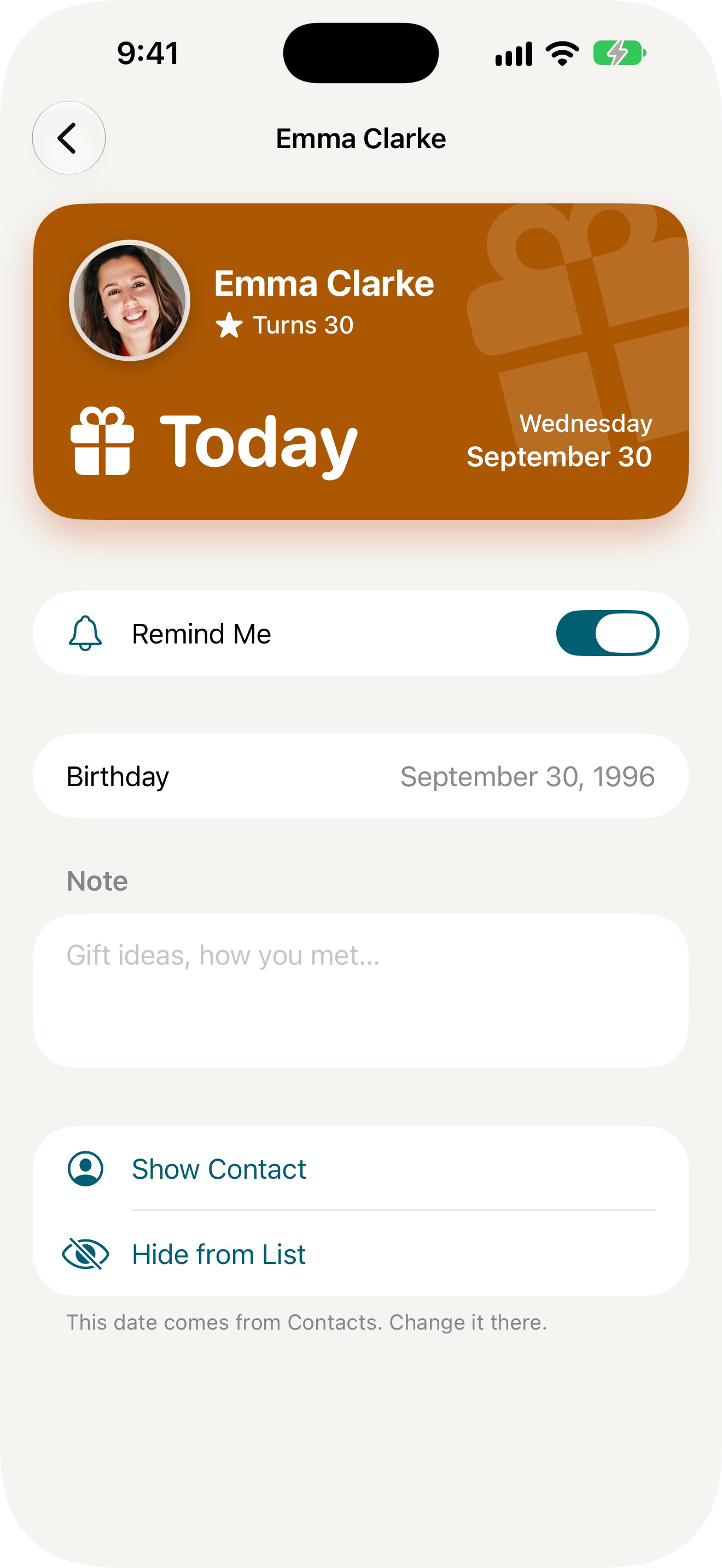
The icon in light and dark, iPhone and Mac screenshots in full resolution, the widgets cut out on a transparent background, and the three texts as a plain text file.
Download the press kit ZIP, 5.4 MB
Where the app stands
Honeyday 1.0 is finished and on its way to the App Store. It comes out for iPhone, iPad and Mac on the same day, as one purchase.
The app in three lengths
Short
Honeyday shows who is celebrating next: birthdays and anniversaries from your contacts, plus the days you add yourself, in a widget and with a reminder on the day. For iPhone, iPad and Mac.
Medium
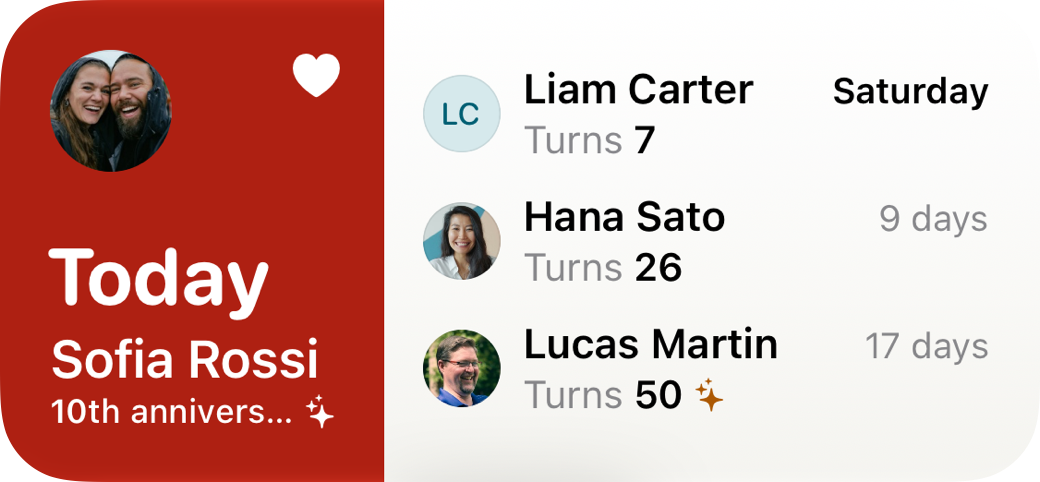
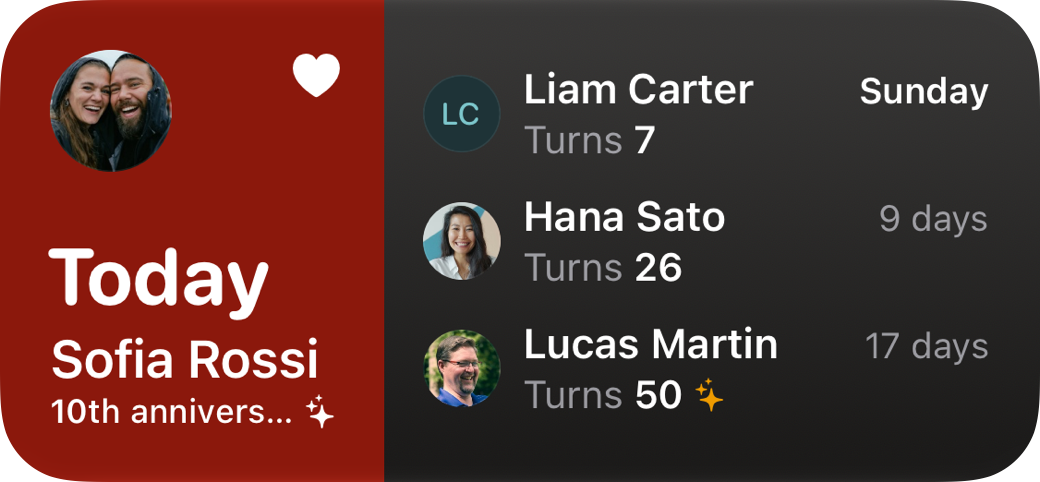
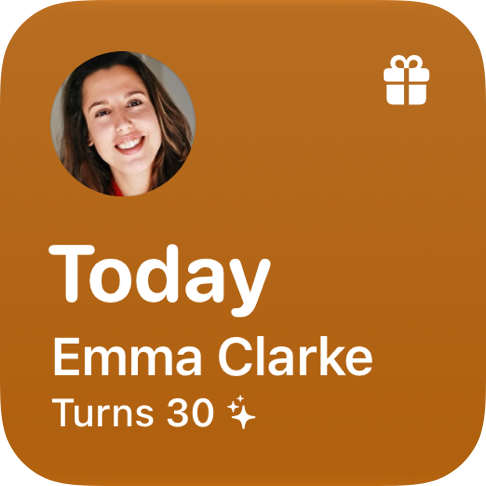
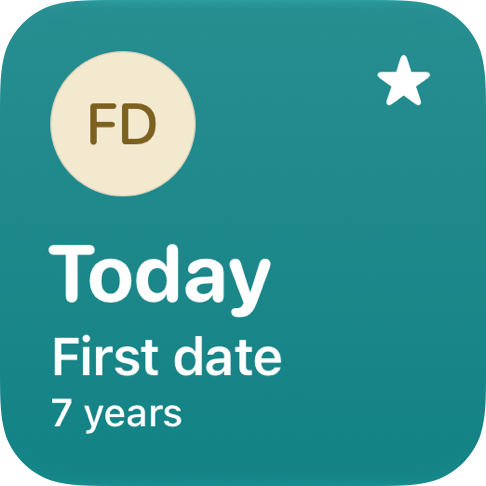
Honeyday shows who is celebrating next. It reads birthdays and anniversaries from Contacts without ever changing them, and takes the days that belong to no contact, like a first date, by hand. The widget on the Home Screen and Lock Screen moves on at midnight by itself, and a reminder comes on the day or a few days before. One purchase covers iPhone, iPad and Mac.
Long
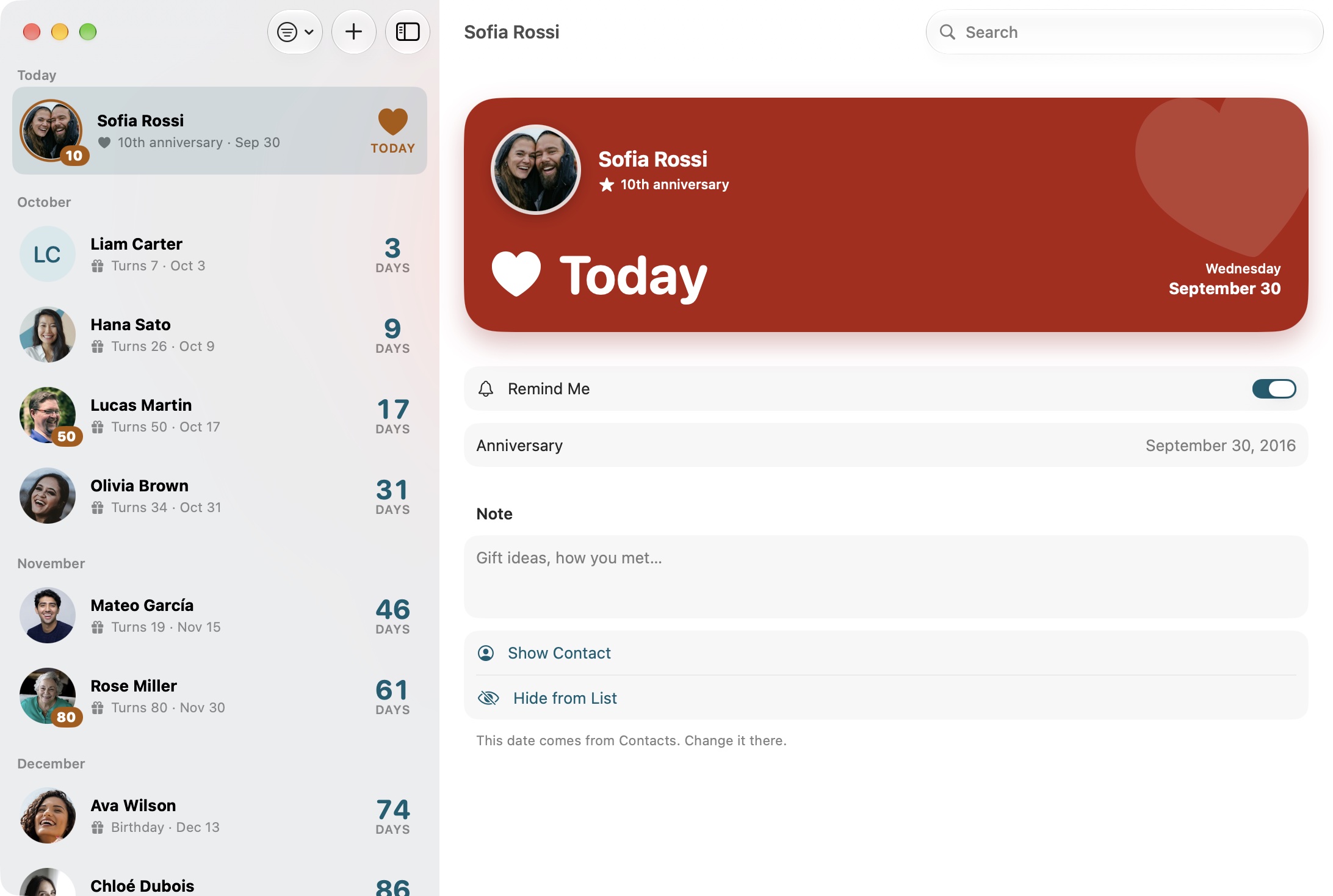
Honeyday answers one question: who is celebrating next. It reads birthdays, anniversaries and other dates from Contacts, never writes to them, and lists them by who comes first, with the days left and the age someone turns. Days that belong to no contact, like the evening two people first met or the dog’s birthday, are added by hand. Most of the time the widget is enough: it sits on the Home Screen or Lock Screen, moves on at midnight by itself and lights up on the day. A reminder arrives at a time you pick, and a few days early if there is a present to find. Dates in the Chinese, Hebrew and Islamic calendars land on the right day every year. Notes and reminder choices sync through your own iCloud. There is no account, and the app measures nothing. One purchase covers iPhone, iPad and Mac.
The facts
- Price $4.99, CHF 4.00, EUR 4.99, one purchase for iPhone, iPad and Mac, with Family Sharing. No subscription, no in-app purchases, no ads.
- Requirements iOS 26, iPadOS 26, macOS 26.
- App Store From the release on at apps.apple.com/app/id6817294713
- Developer Missaq Ataschi, design engineer in Switzerland, working alone. missaq.com
- Languages English, German, French, Italian, Spanish, Portuguese (Brazil), Japanese, Korean, Simplified Chinese and Traditional Chinese, following the system language.
- Data None collected. No account, no analytics, no advertising. Contacts are only read, and what you set syncs through your own iCloud. honeyday.app/privacy
- Accessibility VoiceOver throughout, and every layout follows the largest text sizes.
The files, one by one
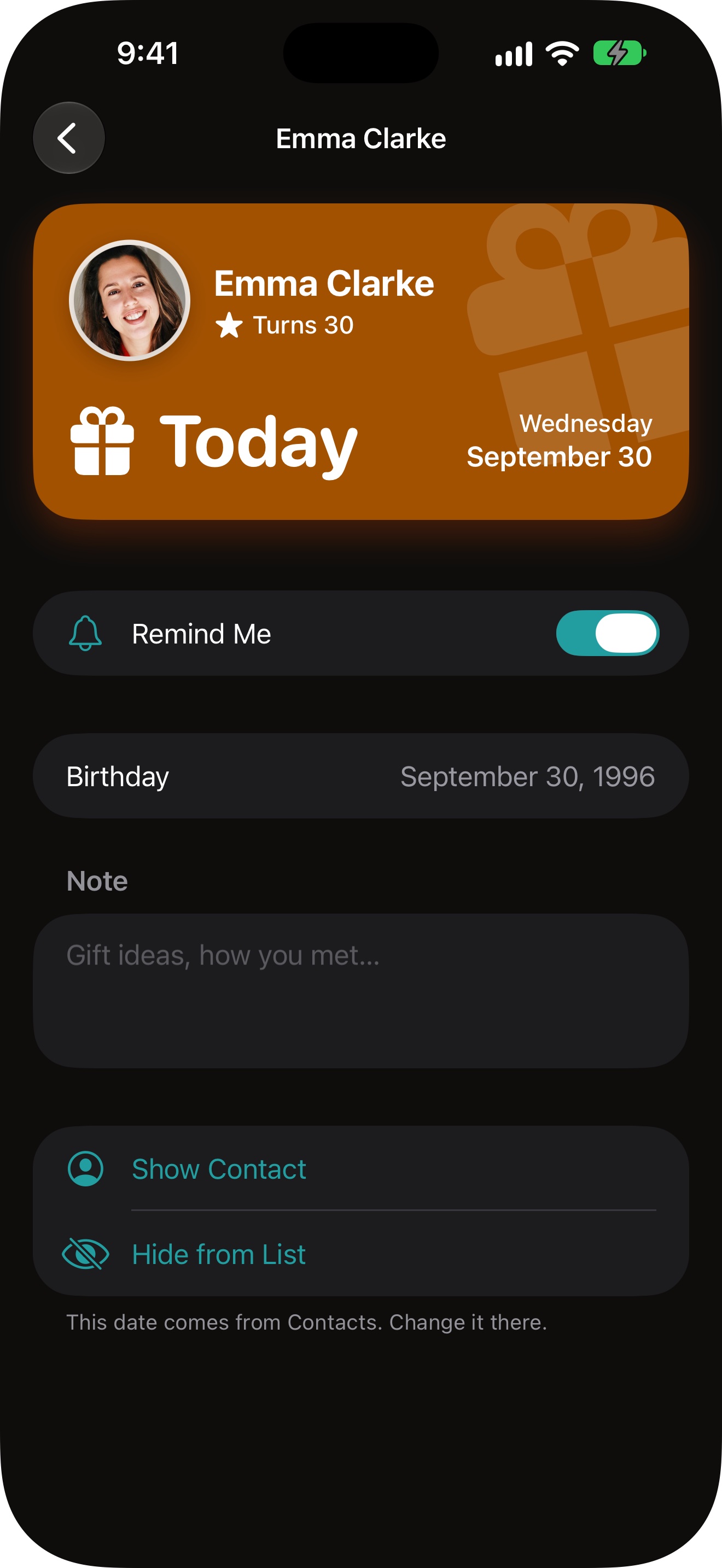
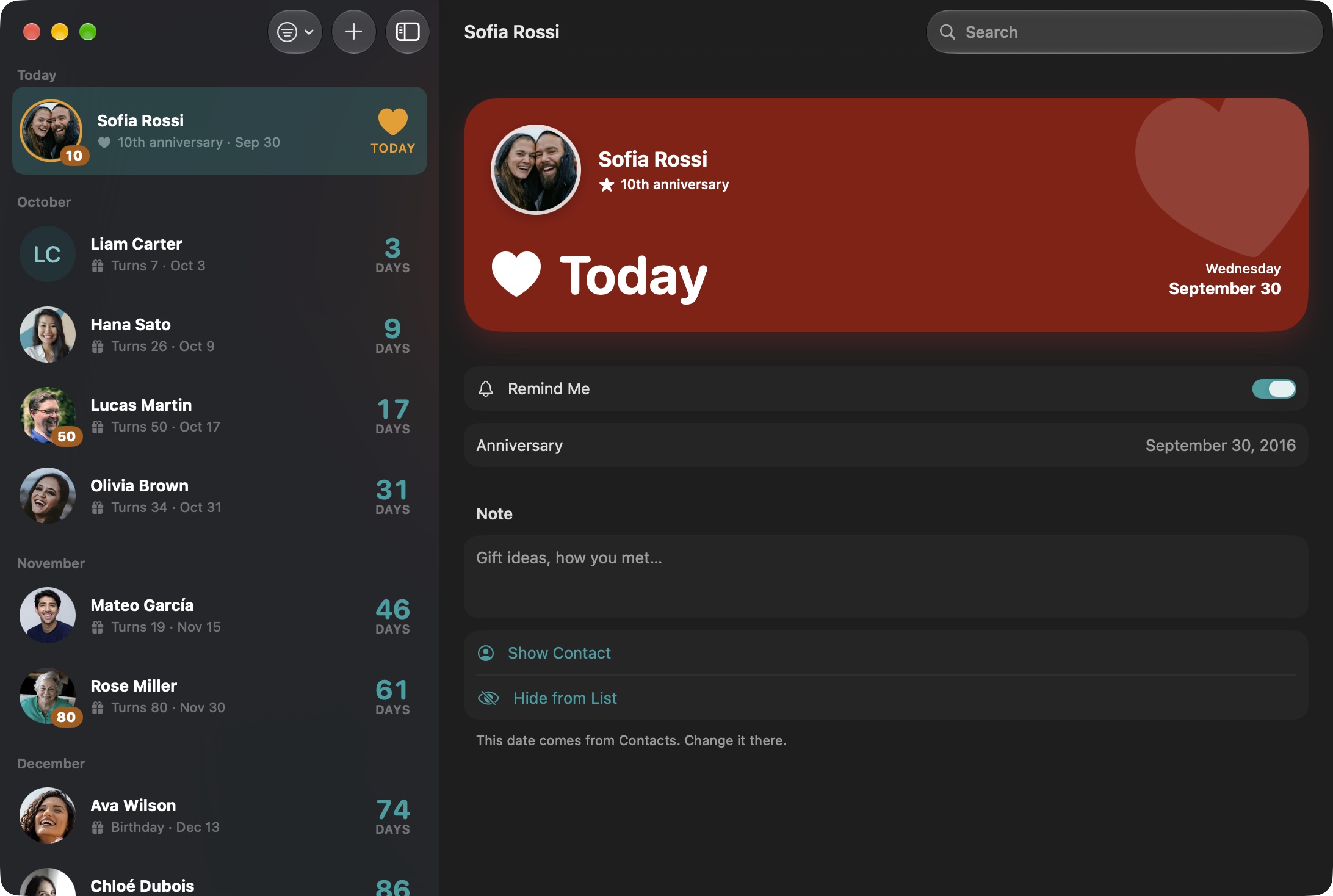
If the archive is more than you need. The icon is square and full bleed, the way iOS masks it. The people in the screenshots are made up, and so are their photos.
Icon

iPhone
Widgets
Mac
Using them
Use the pictures as they are or cropped, in print and online. The icon keeps its shape and colours. There is no logo beyond the icon and the plain word Honeyday.
Contact
Questions, a review copy or a promo code: support@honeyday.app. Mails in German are answered in German.
Last updated: 1 October 2026